


Automated, Enterprise-Grade Control for Company-Owned Devices
Design and implement scalable, automated Intune enrollment and provisioning for company-owned devices. AdaptivEdge helps companies enable zero-touch deployment so devices can be shipped directly to end users, configured automatically, and kept compliant with consistent security baselines.
Why Manual Device Onboarding Creates Risk and Inconsistency
Traditional device onboarding consumes IT time and introduces room for error: devices must be unboxed, imaged, manually configured, and reworked when requirements change. This delays new-hire productivity, increases support tickets, and makes it difficult to enforce consistent encryption, updates, and application standards across the fleet. For shared-use, kiosk, and frontline scenarios, organizations also need stronger controls to prevent configuration drift and restrict device functionality.
How Intune Creates Security and Consistency with Automated Provisioning
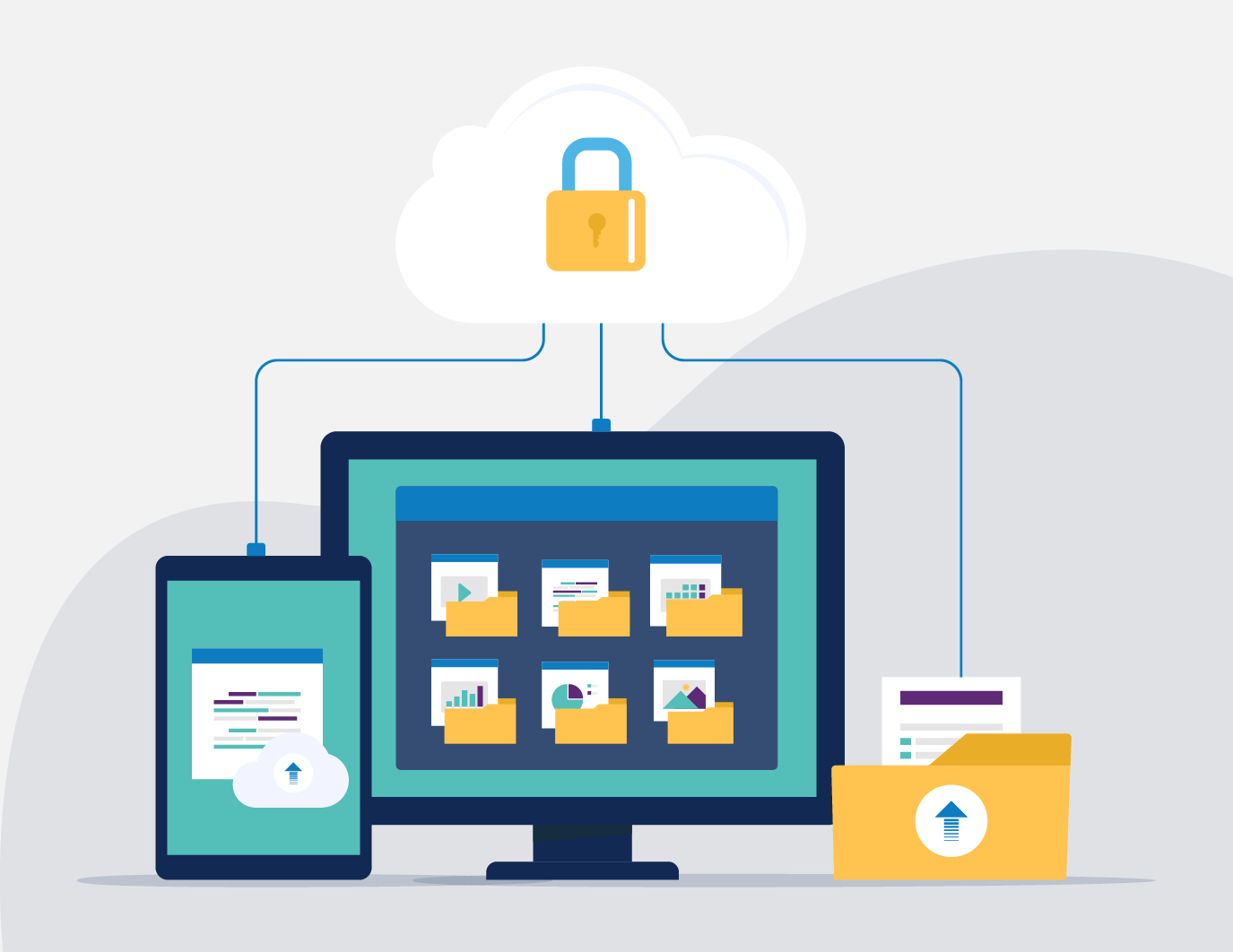
Intune enrollment and provisioning gives organizations a repeatable way to bring company-owned devices under management, apply the right configuration, and secure them before or during first use.
Instead of relying on manual imaging or one-off setup, devices can be registered to the organization, enrolled into Intune, and assigned apps, policies, restrictions, updates, and security standards automatically.
For corporate-owned devices, the goal is to make sure each device is recognized correctly, configured consistently, and ready for the user from day one. With the right enrollment architecture, Intune can support zero-touch provisioning across Windows, macOS, iOS, iPadOS, and Android while giving IT stronger control over shared-use, kiosk, frontline, and standard employee devices throughout the lifecycle.
Key Intune Enrollment and Provisioning Methods
- Windows Autopilot brings zero-touch provisioning to corporate-owned Windows devices during first sign-in, applying the right apps, policies, security settings, and configuration profiles without traditional imaging. For more controlled Windows rollout scenarios, AdaptivEdge can also help plan Autopilot registration, deployment profiles, group tags, and pre-provisioned deployment workflows.
- Android Enterprise Enrollment supports company-owned Android devices, including fully managed, dedicated, shared, and frontline use cases, so IT can apply the right restrictions, apps, and compliance policies through Intune.
- Apple Automated Device Enrollment (ADE) enrolls company-owned Apple devices in Intune during out-of-box setup, so macOS, iPhone, and iPad devices are managed from day one through Apple Business Manager.
- Supervised Mode for Corporate iOS and iPadOS Devices unlocks advanced management capabilities, including silent app installs, stronger restrictions, single-app or kiosk modes, and tighter control over device behavior.
What Automated Intune Provisioning Helps You Achieve
- Reduced hands-on build time and less dependency on manual imaging
- Faster deployment and accelerated onboarding for new hires, refreshes, and replacements
- More consistent security posture, configuration, and policy enforcement across company-owned devices
- Correct corporate device classification, reducing the risk of devices being managed as personal or unmanaged endpoints
- Stronger support for kiosk, shared-device, and frontline scenarios that require tighter restrictions
- Better lifecycle control from first use through replacement, refresh, retirement, or secure wipe

How AdaptivEdge Helps You Implement Intune Enrollment and Provisioning
During our process, your consultant will take you through the following steps:
Assess Intune licensing, Microsoft Entra ID readiness, MDM authority, enrollment restrictions, device groups, ownership models, and platform-specific prerequisites before rollout
- Integrate OEM and vendor portals, such as Dell, Lenovo, and Apple Business Manager, with Intune so new purchases arrive pre-registered
- Design standardized deployment profiles by device role, including required apps, security requirements, update rings, BitLocker, FileVault, compliance settings, and platform-specific restrictions
- Configure the right enrollment paths for Windows, macOS, iOS, iPadOS, and Android devices, including Autopilot, Apple Automated Device Enrollment, supervised iOS/iPadOS devices, and Android Enterprise enrollment
- Build locked-down kiosk, shared-device, and frontline configurations with the right restrictions, apps, and automation
- Validate enrollment flows and troubleshoot issues such as failed enrollment, devices registering as personal, inconsistent policy assignment, or incomplete app and security baseline deployment
- Document repeatable operational processes for onboarding, replacement, refresh, secure wipe, and device retirement