


Secure Remote Work Without Device Enrollment
Protect your corporate data on personal iOS and Android devices without requiring full device enrollment. AdaptivEdge consultants design and implement Intune Mobile Application Management (MAM) policies that control how corporate data is accessed, shared, saved, and removed from BYOD devices, enabling secure remote work without taking control of the entire phone.
Why BYOD Creates Security and Privacy Challenges
Remote work and bring your own device (BYOD) expectations are now the norm, but they create a difficult balance. IT teams need to protect company data and meet compliance requirements, while employees need confidence that their personal photos, messages, location, and apps remain private.
Traditional full device management can feel intrusive on personal devices. This can lead to user resistance, lower adoption, and shadow IT workarounds, such as forwarding email to personal accounts or downloading files to unmanaged apps.
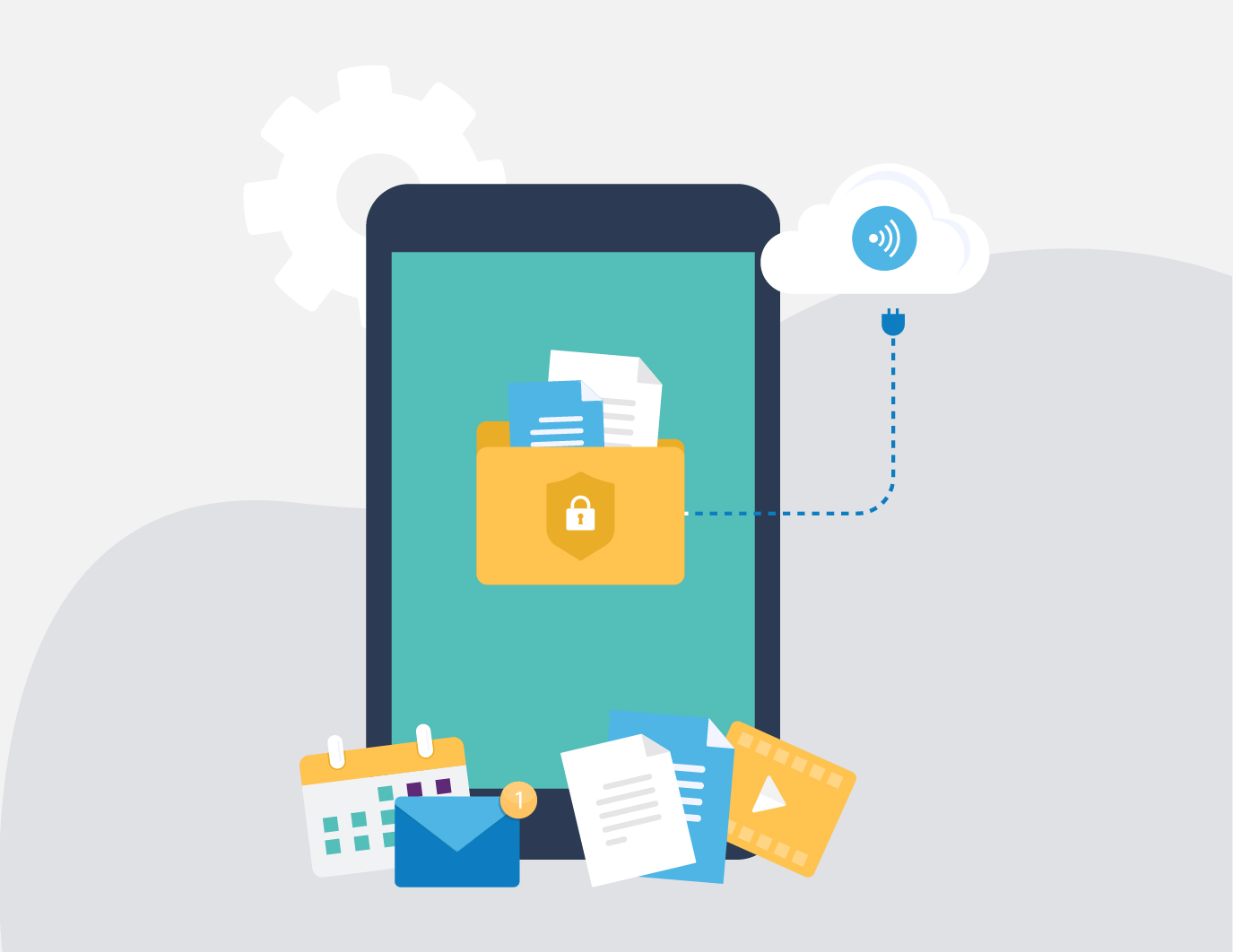
How Intune MAM-WE Protects Work Data Without Managing the Device
Intune Mobile Application Management without enrollment, or MAM-WE, applies security controls to corporate data inside approved work apps instead of managing the entire personal device. Employees can use apps like Outlook, Teams, OneDrive, and other supported mobile apps for work, while IT controls how company data is accessed, shared, saved, and removed.
Unlike MDM, which manages the full device, Intune MAM applies controls at the app and data layer. This makes it well suited for BYOD scenarios where the organization needs to protect work data without managing personal photos, messages, location, or non-work apps.
With MAM-WE, organizations can require app-level PINs or biometrics, encrypt work data, restrict data transfer to personal apps or unmanaged storage, and selectively wipe corporate information if a device is lost or an employee leaves. This protects company data while preserving clear privacy boundaries for personal apps, photos, messages, location, and device activity.
Core Intune App Protection Policy Capabilities
- App-level encryption and data isolation to protect corporate information inside Microsoft 365 apps such as Outlook, Teams, and OneDrive.
- Data loss prevention controls to restrict copy/paste, Save As, screen capture where supported, and sharing corporate data to personal apps or unmanaged storage.
- Selective remote wipe to remove corporate data from managed apps without factory-resetting the device.
- Align MAM policies with Microsoft Entra Conditional Access so users access corporate data through approved apps protected by Intune app protection policies
Results You Can Expect
With the right Intune MAM-WE policy design, AdaptivEdge helps balance security, usability, and privacy so employees can work from personal devices while corporate data remains protected inside approved apps.
- Secure access to email, chat, and files from personal iOS and Android devices
- Stronger protection against data leakage to personal apps or unmanaged storage
- Clear privacy boundaries that help improve BYOD adoption
- Selective removal of corporate data without wiping the user’s entire device
- Reduced risk from lost devices, employee departures, or unmanaged mobile access

How AdaptivEdge Supports Intune MAM-WE
AdaptivEdge helps organizations design, test, and roll out Intune MAM-WE policies that protect corporate data without creating unnecessary friction for BYOD users. Because BYOD adoption depends on trust, we also help communicate what IT can and cannot see on personal devices.
- Assess Intune licensing, Microsoft Entra ID, Conditional Access requirements, supported apps, user groups, and platform readiness
- Design app protection policies aligned to your risk profile, compliance needs, and user experience goals
- Define approved apps and data handling rules for copy/paste, save locations, sharing, offline access, and unmanaged storage
- Configure controls for app-level PINs, biometrics, encryption, selective wipe, data loss prevention, and conditional launch
- Align MAM policies with Conditional Access so corporate data is accessed through approved, protected apps
- Create end-user communication templates that clearly explain privacy boundaries and what IT can and cannot see
- Pilot with a small user group, tune policy friction points, and roll out in phases with clear support steps